How it works
Apple Health in. One plan out.
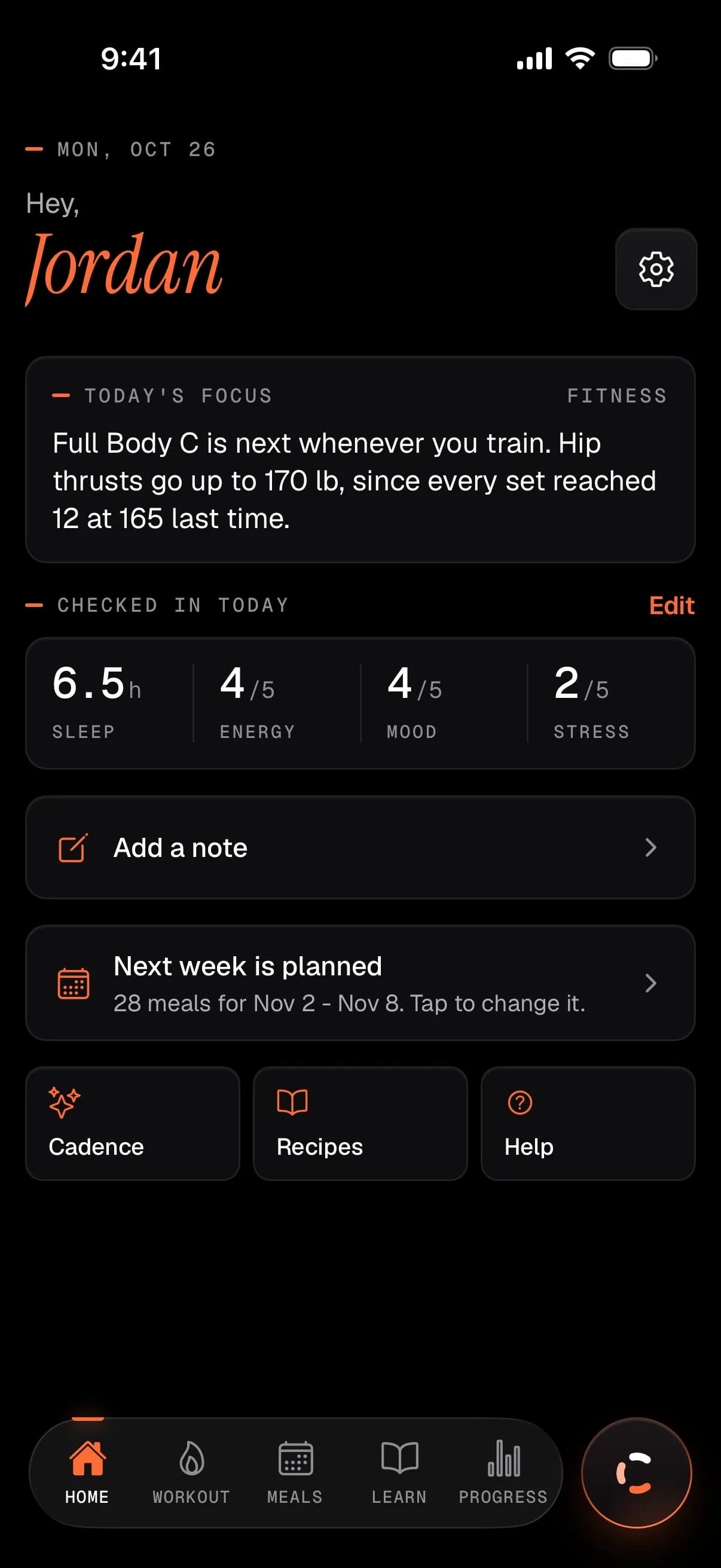
Cadence reads what your Apple Watch writes to Apple Health, compares it with your own last 90 days, and shapes your training, your food and today’s focus from it. One plan, on the web, your iPhone and your wrist.
The loop
Each step reads the one before it.
Most people run sleep, training and food in three apps that never talk. Here your wrist feeds Apple Health, Apple Health feeds one plan, and what you log or say steers the next turn.
Apple Watch
Heart, sleep, activity, walking
A ring or band
Oura, Whoop, anything that writes to Apple Health
Apple Health
Read-only, on your iPhone
- Heart06
- Sleep02
- Activity04
- Walking05
Cadence
Against your own 90 days
- TrainingAnswers to how your sessions went
- FoodSized to the work you did
- Today’s focusOne line, from your own data
Web
Planning
iPhone
Day to day
Watch
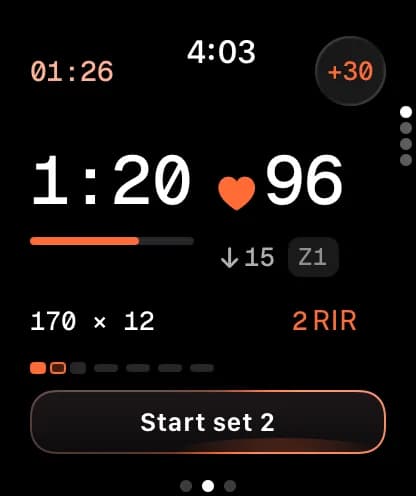
In the gym
- You steer: tap, log, talk
- The watch saves workouts to Apple Health
What goes in
Exactly what it reads from Apple Health.
Seventeen readings, read-only, on your iPhone. Nothing is read until you allow it in Apple’s own permission sheet, and an Oura ring or Whoop band that writes to Apple Health counts the same as a watch.
Heart and breathing06
- Resting heart rate
- Heart rate variability
- Walking heart rate average
- Heart rate recovery
- Respiratory rate
- VO2 maxCardio fitness
Sleep02
- SleepTime asleep and sleep stages
- Sleeping wrist temperatureApple Watch only
Activity04
- Steps
- Active energy
- Exercise minutes
- Stand hours
Walking05
- Walking speed
- Step length
- Walking asymmetry
- Double support time
- Walking steadiness
What it does with it
Read against your last 90 days, not anyone else’s.
Five markers, each compared with its own 90-day range and never with a population chart. One night is never read as a trend; a run of days is.
- Resting heart ratebpm
- Heart rate variabilityms
- Cardio fitness (VO2 max)mL/kg/min
- Heart rate recoverybpm
- Walking heart ratebpm
Resting heart rate
Last 90 days
- Last 7 days
- 57bpm
- Your usual range
- 53to55bpm
What comes out
One plan, three places to use it.
One account, one plan. Each device does what it is best at, and a change on one is there on the others.
Web
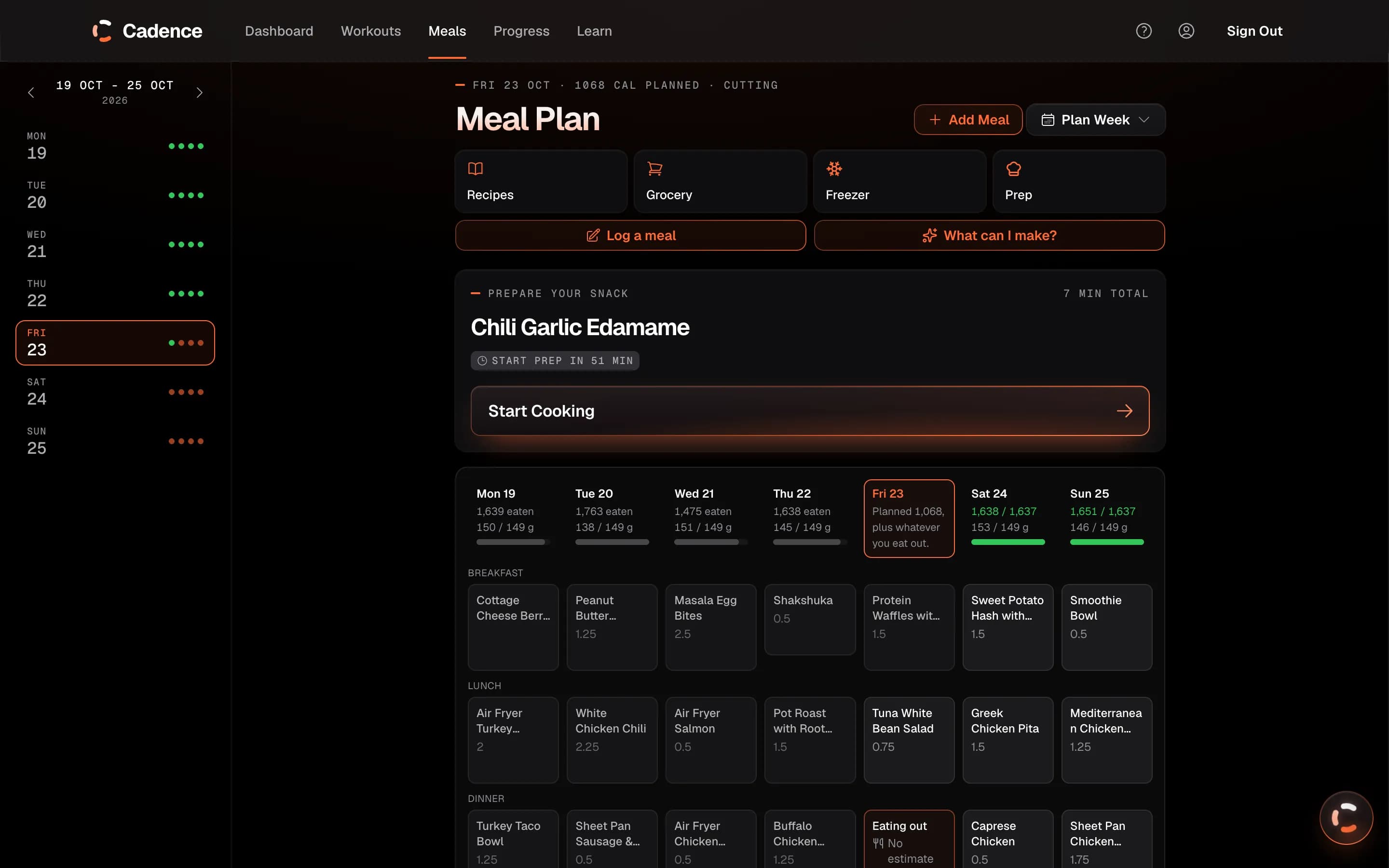
Plan the week.
- Meals for the week, the prep timeline and one grocery list
- Build a program by talking, or from a photo or PDFWeb only
- Scan a nutrition labelWeb only
- Open the coach from any screen with ⌘K or Ctrl+K
iPhone
Every day.
- Today’s session, logged set by set
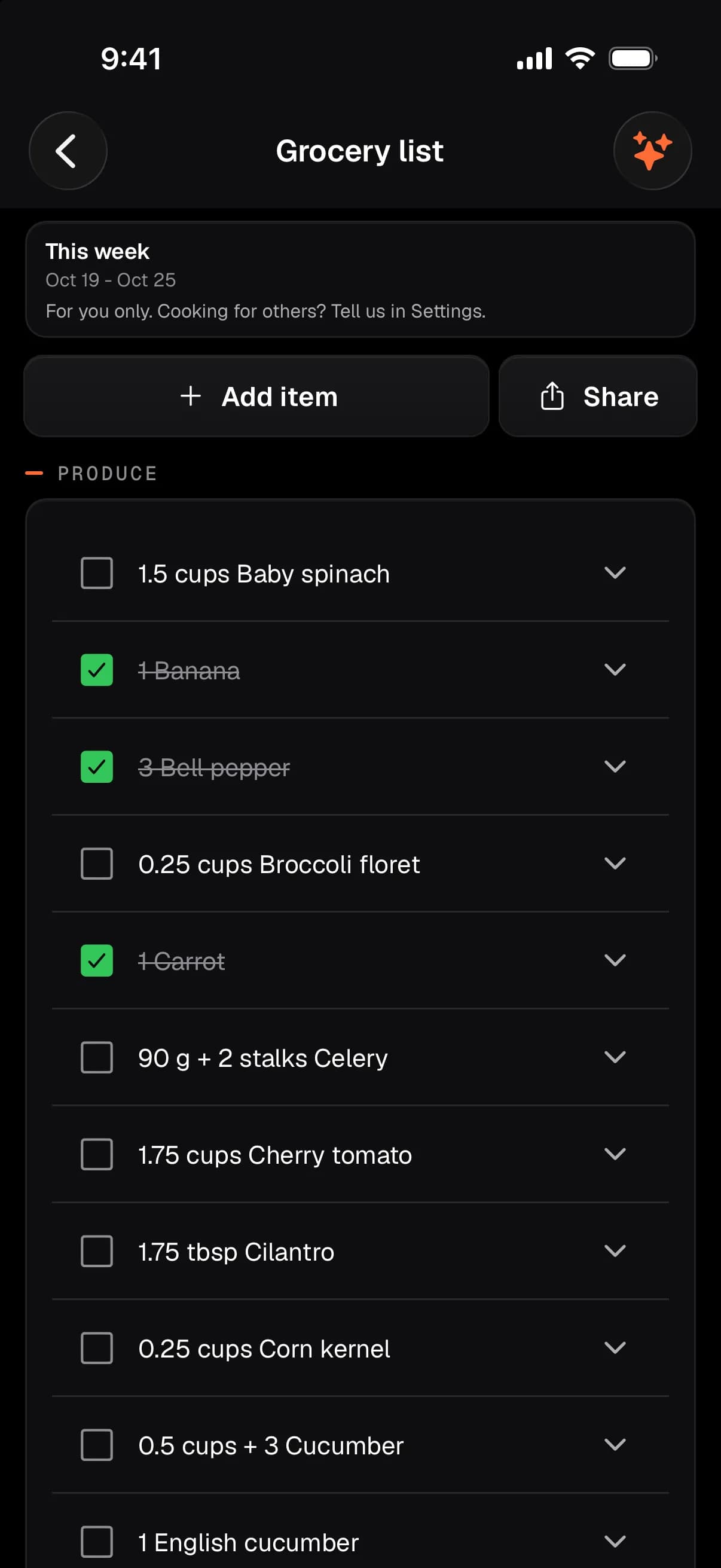
- Meals, cook mode and the grocery list in the shop
- The coach from any screen, with photos and hold-to-talk
- Connect Apple HealthiPhone only
Apple Watch
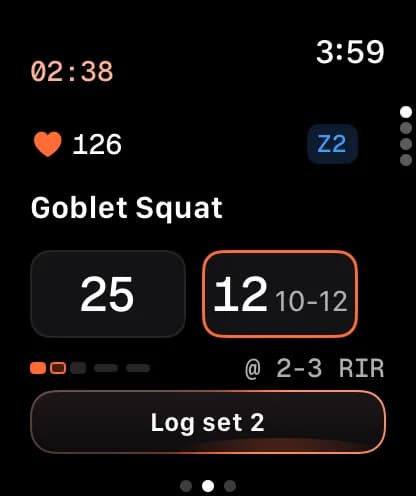
In the gym.
- Last time’s weight in, reps on the Digital Crown
- Cardio as a real workout, with intervals
- Mobility with a pain level, and dictated notes
- Works offline and syncs later
Can I trust it
Optional, read-only, and yours to delete.
Your health data is used to run Cadence for you, and for nothing else. The privacy policy says what is kept, where, and for how long.
Apple Health is off until you turn it on, and the iPhone app only reads from it.
Your data is not sold and not used for advertising.
Delete your account yourself, on the web or your iPhone.
Questions
The details.
Does Cadence work with Oura or Whoop?
Yes, through Apple Health. If your ring or band writes its readings to Apple Health, Cadence reads them the same way it reads an Apple Watch. There is no direct connection to Oura, Whoop, Garmin or Strava.
Do I need an Apple Watch?
No. Training, food and the coach work without one. The watch adds logging from your wrist, and its readings feed the baseline. Sleeping wrist temperature is the one input only an Apple Watch provides, and Cadence works without it.
What does Cadence write to Apple Health?
The iPhone app only reads. The Apple Watch app saves the workouts you record in Cadence to Apple Health, with their active energy and distance, so they count toward your Activity rings, and how hard a workout felt when you rate it.
What happens after one bad night?
One night is never read as a trend. Each marker is read against your own last 90 days, and only a run of days is read as a change.
What else does it look for in my data?
How steady your wake time is, and how far it drifts between work days and free days. And up to three patterns at a time, each with a confidence level and the window it came from. None of them claims a cause.
Where does my health data go?
It is stored in your Cadence account, in a database in the United States. AI features, including a daily insight you can turn off, send what they need to Anthropic, the company behind Claude, which does not train its models on it by default. It is never sold or used for advertising.
Can it count workouts I record in other apps?
Yes, if you turn on workout import. It reads the workouts in Apple Health from the last 90 days on, so training recorded elsewhere counts in your history. It is off by default and asks for its own permission.
Early access
Cadence is invite-only for now.
Access opens a few people at a time while the beta is small. Tell us how you train and what you want to change, and we'll come back to you.
Web, iPhone and Apple Watch · One invite covers all three